
June 30, 2026 · 7 min read · Updated June 30, 2026
The Complete Schema Graph for a B2B Next.js Site
In short
How to wire Organization, Person, WebSite, Service, FAQPage, and Breadcrumb into one connected JSON-LD graph with @id references instead of isolated snippets.
By Tal Gerafi, Founder & Website Engineer
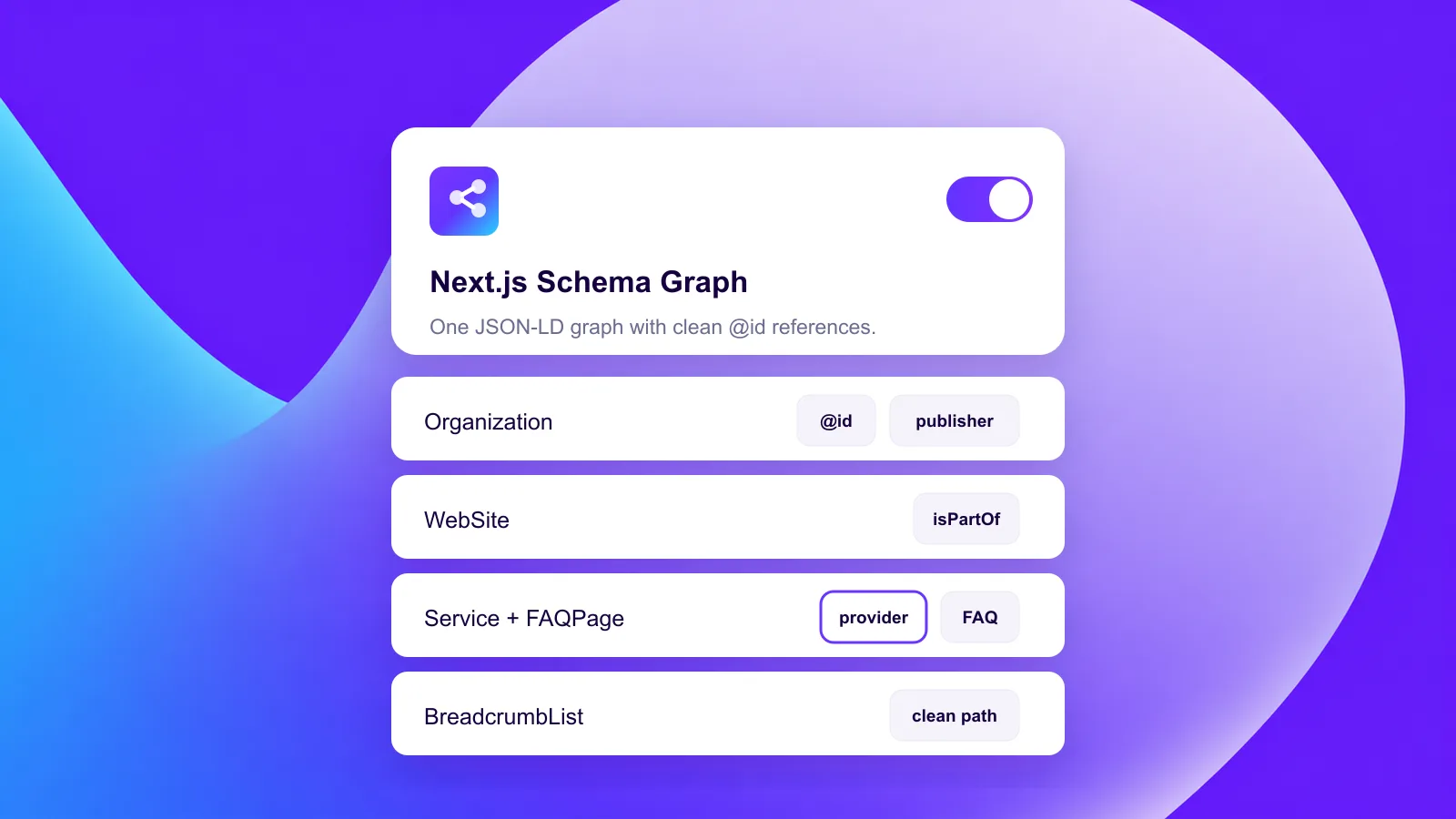
A complete schema graph is a single JSON-LD block where Organization, Person, WebSite, Service, FAQPage, and BreadcrumbList are all defined once and connected with @id references — so a search engine reads them as one related entity, not six unrelated snippets. On a Next.js site you emit it as one @graph array per page. That connection is the part most competitors skip, and it is the part that makes the data trustworthy.
What is a schema graph and why does @id matter?
A schema graph is structured data expressed as a set of nodes that point at each other. Instead of dropping a lone Article or Organization block on a page, you declare every entity once, give each a stable @id (a URL fragment like https://greeto.me/#organization), and then reference those IDs wherever an entity reappears. The page's WebPage node says its publisher is #organization; the FAQ says it is isPartOf the same #website.
The @id is the whole game. Without it, a crawler sees an Organization mention on the homepage and another on a service page and has to guess they are the same company. With a shared @id, you are stating it as fact: this is one entity, described consistently across the site. That consistency is exactly what feeds the knowledge graph behind Google's AI Overviews and the answer engines you target with answer engine optimization. One disambiguated entity beats ten loose snippets.
This is how Greeto builds structured data on its own site and on client sites — one coherent graph per page, not a pile of isolated objects. It is also the natural shape for a marketing site built on Next.js, where each route can compose its own slice of the graph from shared building blocks.
Which entities belong in a B2B schema graph?
A B2B or SaaS site has a fairly fixed cast of entities. Each one answers a different question a machine might ask, and each links back to the others.
| Entity | Answers | Links to (via @id) |
|---|---|---|
Organization | Who is the company? | Person (founder), WebSite (publisher) |
Person | Who is the human behind it? | Organization (worksFor/founder) |
WebSite | What is this site? | Organization (publisher) |
WebPage | What is this specific page? | WebSite (isPartOf), BreadcrumbList |
Service | What do you sell? | Organization (provider) |
FAQPage | What do people ask? | WebPage (isPartOf) |
BreadcrumbList | Where does this page sit? | WebPage |
For Greeto, the Person node is Tal Gerafi and the Organization is the studio; the founder link is real and worth stating, because E-E-A-T signals lean on a named, accountable human. On a SaaS site the same Person slot might hold a CEO or a named author. The point is that every node is true and every link is true — which is the only acceptable bar, since fabricating an entity is the same sin as fabricating a testimonial.
How do you structure the @graph in Next.js?
In the App Router, the clean pattern is one helper that returns the page's graph as a plain object, rendered into a <script type="application/ld+json"> tag. Site-wide nodes — Organization, WebSite, Person — come from a shared module so their @id values never drift. Page-specific nodes — WebPage, Service, FAQPage, BreadcrumbList — are composed per route and reference the shared IDs.
const graph = {
  "@context": "https://schema.org",
  "@graph": [
    { "@type": "Organization", "@id": "https://greeto.me/#organization", /* ... */ },
    { "@type": "WebSite", "@id": "https://greeto.me/#website",
      "publisher": { "@id": "https://greeto.me/#organization" } },
    { "@type": "WebPage", "@id": "https://greeto.me/blog/x#webpage",
      "isPartOf": { "@id": "https://greeto.me/#website" } },
    { "@type": "FAQPage", "isPartOf": { "@id": "https://greeto.me/blog/x#webpage" } }
  ]
};
Because Next.js renders this server-side, the JSON-LD is in the initial HTML — no client hydration needed for a crawler or an AI crawler to read it. Whether the route is statically generated or dynamic, the graph ships in the document. Keep the @id base URL identical to your canonical URL host (no trailing-slash or protocol mismatch), or you will quietly fork one entity into two.
Why is one isolated Article snippet not enough?
This is the gap most competitor pages and most boilerplate generators leave. They emit a single Article or single Organization block, validate it, see a green check, and stop. It is technically valid and strategically thin. A lone Article tells a machine about one document; it says nothing about who published it, whether that publisher is a real organization, or how this page relates to the rest of the site.
The graph approach answers those questions explicitly. The Article's author resolves to a Person @id; the publisher resolves to an Organization @id that carries the logo, founder, and same-as profiles; the page declares it is isPartOf a WebSite. Now a search engine is not parsing trivia — it is reading a consistent entity model. In our experience that consistency is what separates a page that could be cited from one that engines actually trust enough to surface.
It also pays off across the cluster. When the same #organization @id appears on the homepage, every service page, and every post, you are reinforcing one entity many times rather than re-introducing a stranger on each URL. That is the structural backbone behind ranking in ChatGPT and Perplexity: be an unambiguous, well-described entity that an answer engine can quote with confidence.
How do you keep the graph clean during a migration?
Migrations are where schema graphs quietly break. When you move from WordPress to Next.js, the old site usually had a plugin injecting its own (often duplicated) JSON-LD. If you port content without owning the schema, you can end up with two Organizations, mismatched IDs, or breadcrumbs pointing at dead URLs.
The fix is to treat the graph as code you own, generated from one source of truth, and to re-validate every template after the DNS cutover. Confirm the @id host matches the new canonical host exactly, that breadcrumbs follow the new URL structure, and that your 301 redirects do not leave schema referencing pre-migration paths. We have hit and fixed real index-hygiene issues this way — trailing-slash and canonical mismatches that silently split one entity in two — so a post-launch schema pass is non-negotiable.
FAQ
What is a schema graph in JSON-LD?
A schema graph is a single JSON-LD block using the @graph array to hold multiple entities — like Organization, Person, WebSite, and Service — each with a stable @id. Those entities reference each other by @id, so a search engine reads them as one connected model instead of separate, unrelated snippets.
Why use @id references instead of separate schema blocks?
@id references let you define an entity once and point to it everywhere it appears, stating that two mentions are the same thing. Without @id, a crawler has to guess that the Organization on your homepage and the one on a service page are identical. Shared IDs remove that ambiguity and reinforce one entity across the whole site.
Which schema types should a B2B SaaS site include?
At minimum: Organization, WebSite, and WebPage site-wide, plus Person for the founder or named author, Service for what you sell, BreadcrumbList for navigation context, and FAQPage on pages with a real FAQ. Connect them all with @id references rather than emitting each in isolation.
How do I add a schema graph in Next.js?
Build the @graph object server-side, pulling site-wide nodes (Organization, WebSite, Person) from a shared module so their @id values are constant, then compose page-specific nodes per route. Render it into a <script type="application/ld+json"> tag so it ships in the server-rendered HTML and is readable without client hydration.
Is a single Article schema snippet enough for SEO?
Usually not. A lone Article validates fine but describes only one document — it says nothing about the publisher, the human author, or how the page fits the site. A connected graph that resolves author to a Person and publisher to an Organization gives engines the consistent entity model they reward, which a standalone snippet cannot.
Work with Greeto
Want this handled on your site?
Greeto Studio builds and improves B2B & SaaS marketing sites with a supervised AI system — every change reviewed by a human engineer. Tell us what you need and you'll get a straight answer from Tal, not a sales sequence.